Starting Fleetboard Cockpit
If you start Fleetboard Cockpit for the first time, please read Section Initial Installation and Login and install the Client on your computer as described in this section.
After the successful installation, you will find a link to Fleetboard Cockpit on your desktop.

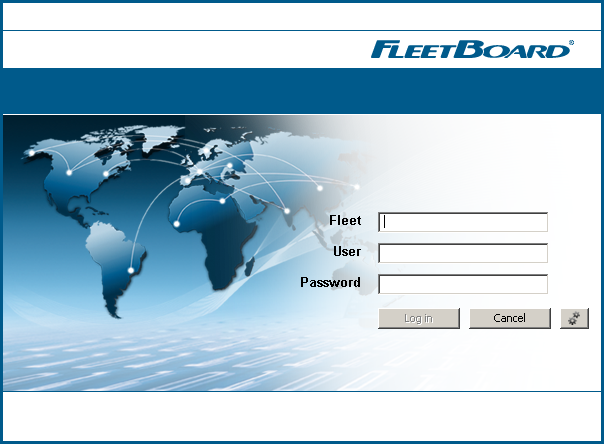
Subsequently, a login window will be displayed.
|
2.
|
Enter your Fleet, the User, and the Password into the entry fields.
|
|
3.
|
Click Login.
|
You will be registered and the user interface of the Fleetboard Cockpit will be displayed.
