Driver Administration
List of Drivers
To display a list of your drivers, proceed as follows:
|
2.
|
In the Administration section Driver, click the Driver button.
|
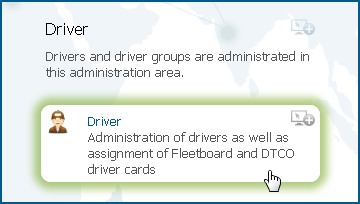
This opens a list view of all drivers.
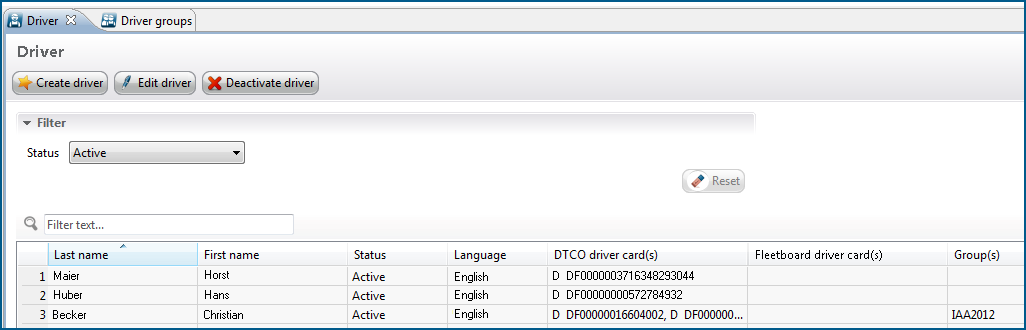
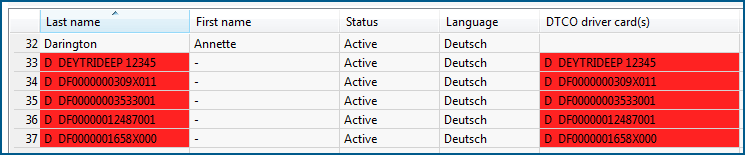
In the Last name column, the driver card number which was transferred by the digital tachograph will initially be displayed. In the list of drivers, the entries to which no driver has been assigned yet will be marked in red.
You can find further information how to assign an automatically recorded DTCO driver card to a driver in Section Create New Driver.
