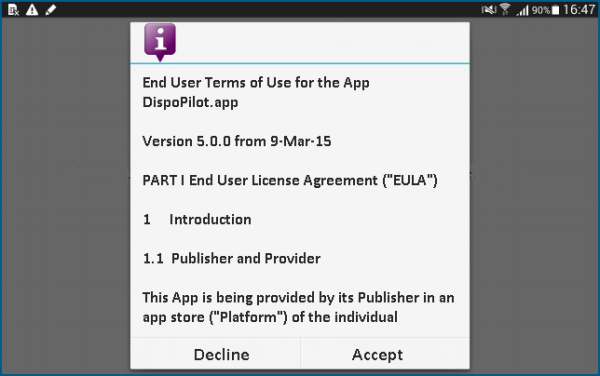
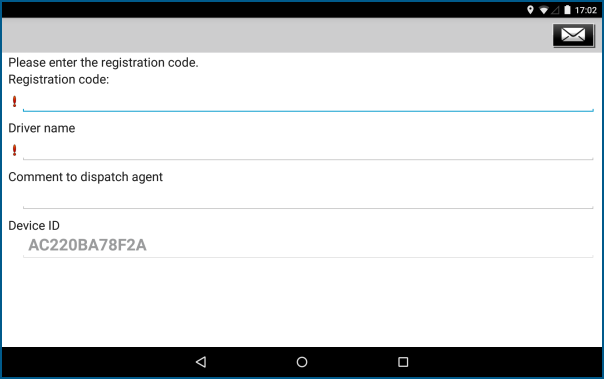
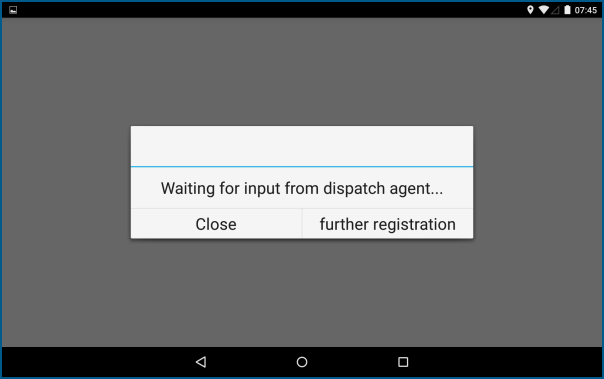
Configuration of the DispoPilot.app by the Driver The following steps have to be taken when the DispoPilot.app is configured by the driver: 1. The driver downloads the DispoPilot.app from the Google PlayStore. If the DispoPilot.app is installed on the mobile end device (tablet, smartphone), the app will set up a connection to the FleetBoard Service Centre. 2. When starting the DispoPilot.app for the first time, the driver has to acknowledge the terms of use once. 3. The driver enters the registration code sent to him by the dispatch agent, as well as his name and a message to the dispatch agent into the registration form of the app. NOTE The device ID is automatically generated. The DispoPilot.app has now been registered by the driver. 4. The driver waits for the connection to the dispatch office. The dispatch agent now has to request a connection from a virtual vehicle to the DispoPilot.app which has just been registered.
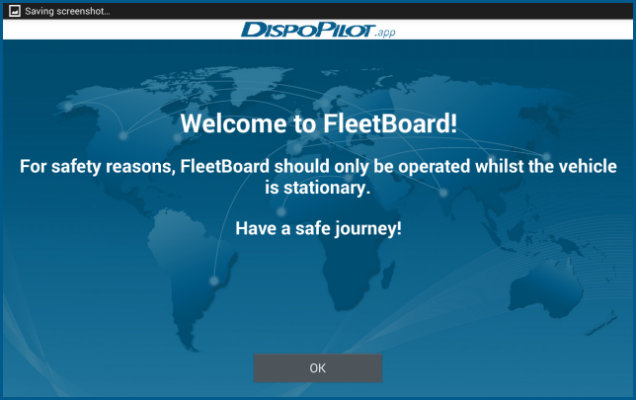
The following steps have to be taken when the DispoPilot.app is configured by the driver:
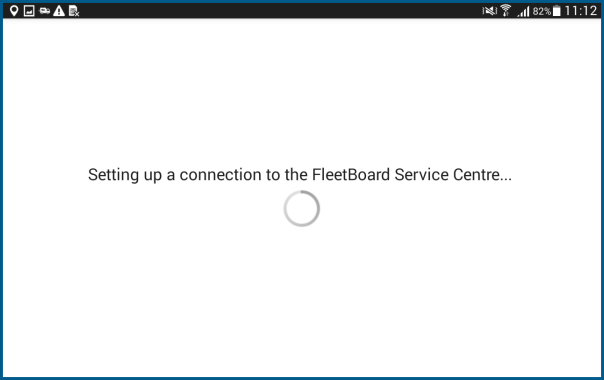
If the DispoPilot.app is installed on the mobile end device (tablet, smartphone), the app will set up a connection to the FleetBoard Service Centre.
The DispoPilot.app has now been registered by the driver.
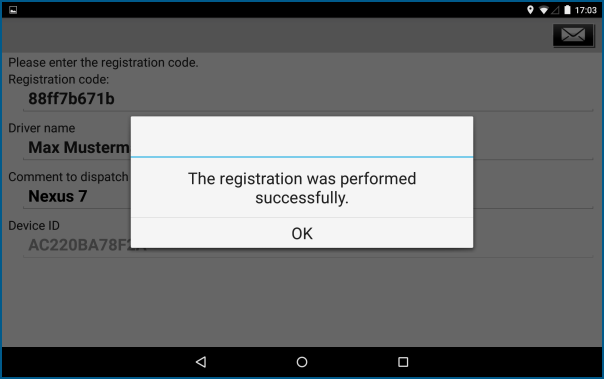
The dispatch agent now has to request a connection from a virtual vehicle to the DispoPilot.app which has just been registered.