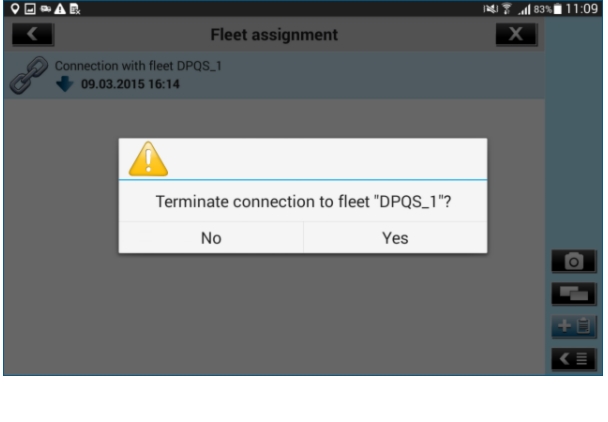
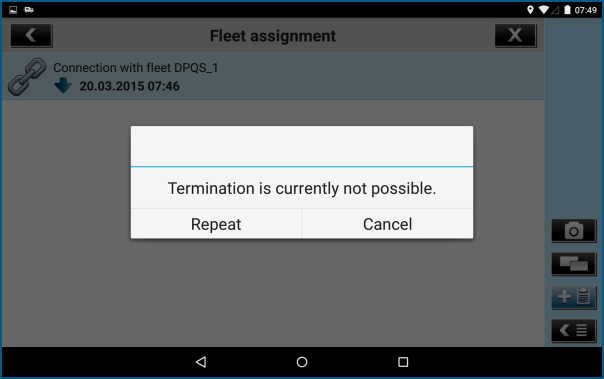
Disconnect the App from the Virtual Vehicle
You can also disconnect a virtual vehicle from a DispoPilot.app. To do this, proceed as follows:
|
2.
|
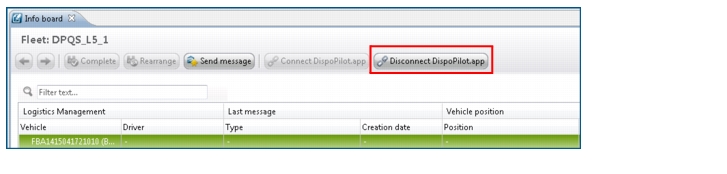
Click the Disconnect DispoPilot.app button.
|
|
3.
|
Right-click a vehicle in the Navigator or in the data table and select the Disconnect DispoPilot.app option.
|
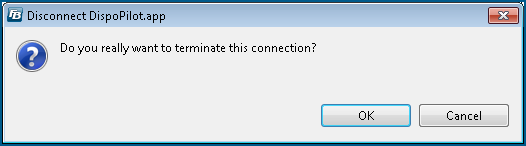
The Disconnect DispoPilot.app dialogue box will be opened.
|
4.
|
Click OK if you want to terminate the connection to the DispoPilot.app.
|
The vehicle is now disconnected from the DispoPilot.app.
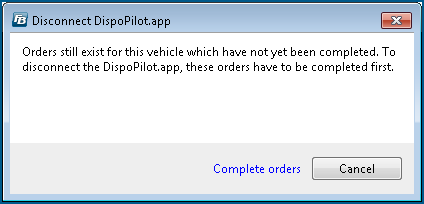 Click the Complete orders button to complete the orders which are still open and to disconnect the DispoPilot.app from the vehicle subsequently.
|